E-commerce & D2C
WhatsApp for ecommerce: the sale isn't finished until the parcel stays.
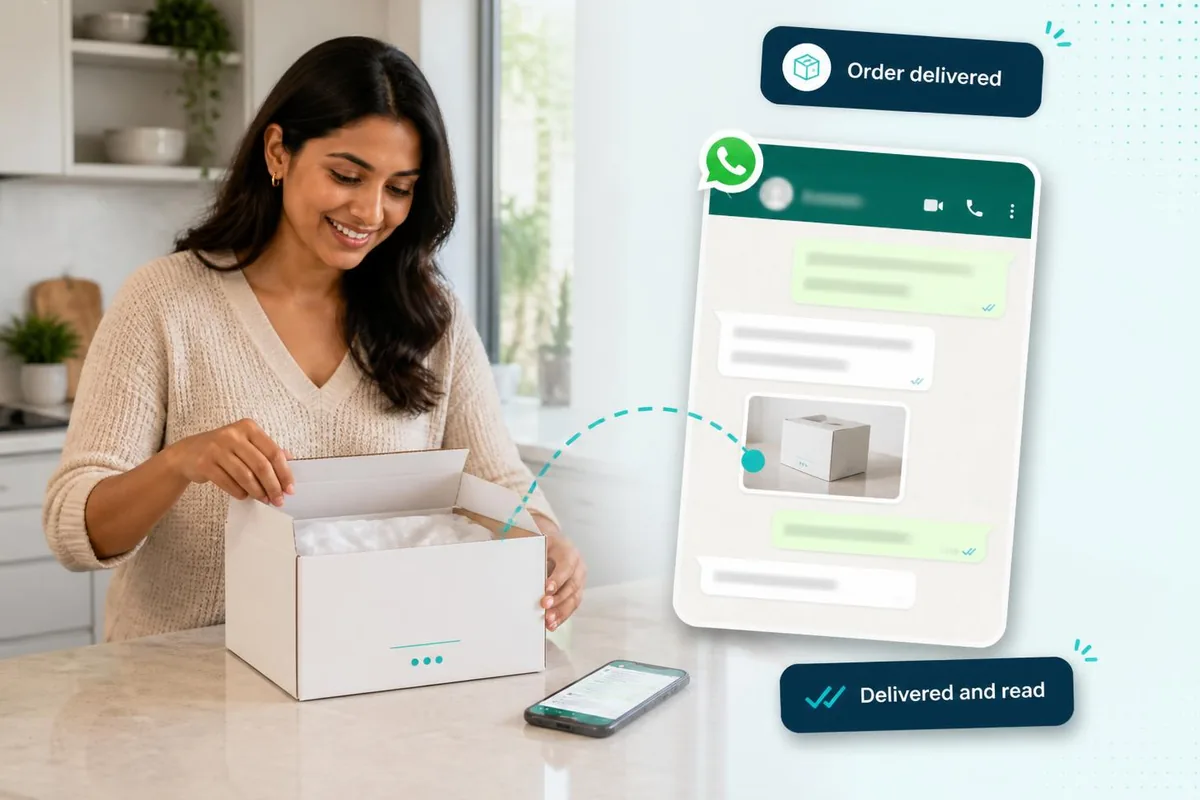
WhatsApp for ecommerce means sending cart reminders, cash-on-delivery confirmations and delivery updates to shoppers inside WhatsApp, triggered by events in your store. UDO runs those flows over the WhatsApp Business API, with SMS, RCS and outbound voice for shoppers WhatsApp does not reach. The return is margin: fewer parcels travelling back, fewer "where is my order" tickets, and more second orders.
Official Meta Tech Partner · Order events in by REST API and webhooks
Margin moments
How do ecommerce brands use WhatsApp?
Ecommerce brands use WhatsApp at three moments that protect the margin: the abandoned cart, the cash-on-delivery order and the delivery itself. Each one starts with an event your store or courier already records, and SMS and voice cover the shoppers WhatsApp does not reach.
Abandoned carts, recovered without nagging
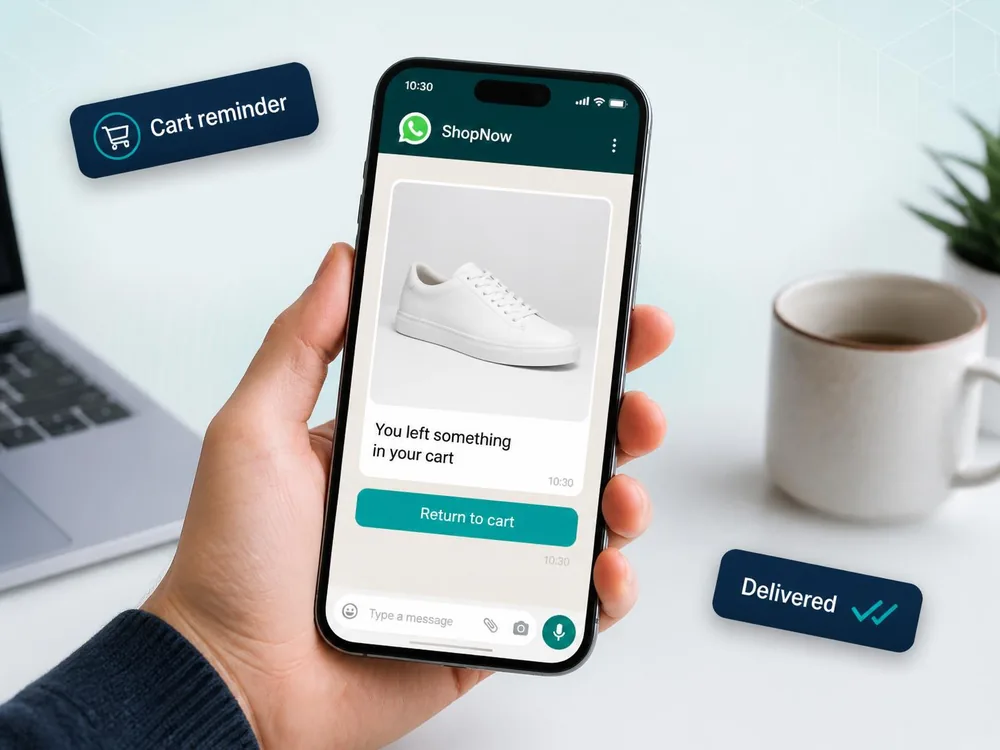
A shopper who leaves at checkout gets one WhatsApp message with the product image, the price they saw and a button back to the cart, while the intent is still warm. If it goes unanswered, a single reminder follows, and then the sequence stops.
- Product image and cart link as a button
- WhatsApp Business API marketing templates, sent only to opted-in shoppers
- RCS carousels for Android shoppers who have opted in
- A capped sequence that ends on purchase or opt-out
COD confirmation before the courier leaves
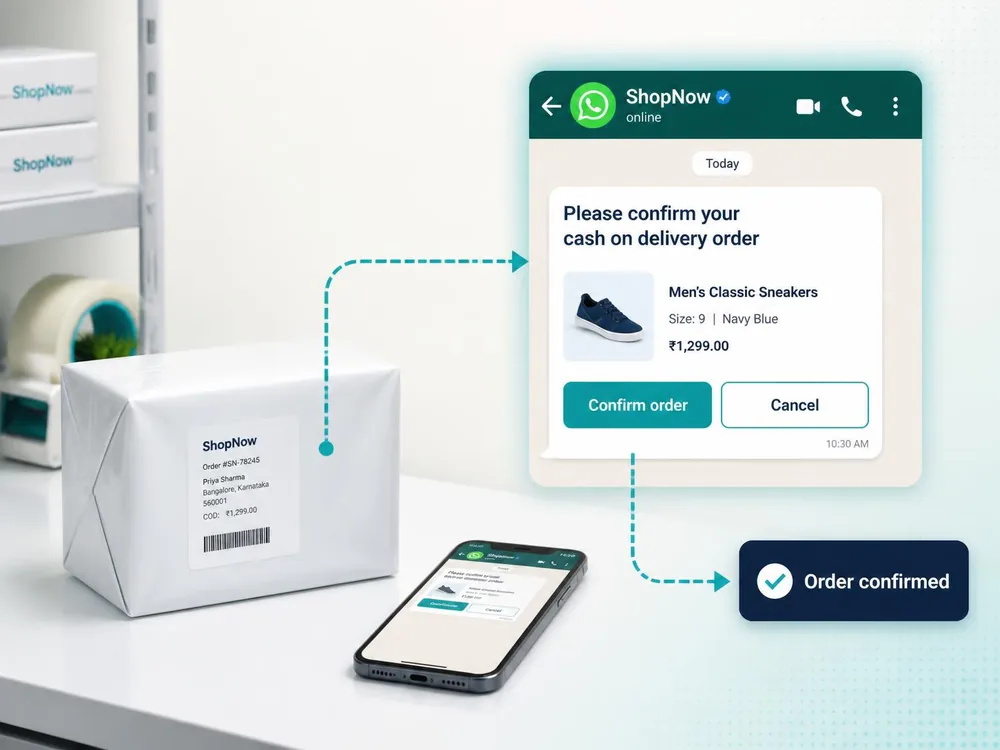
A cash-on-delivery order that ships and comes back pays for freight twice. A WhatsApp message with "Confirm order" and "Cancel" buttons goes out as the order is placed; no answer triggers an SMS, then an automated outbound voice call, so your warehouse can hold whatever stays unconfirmed.
- Confirm and cancel as buttons, answers returned by webhook
- A pay-now link to switch the order to prepaid
- SMS and voice for shoppers who are not on WhatsApp
- An address check before the parcel is packed
Order updates nobody has to ask for
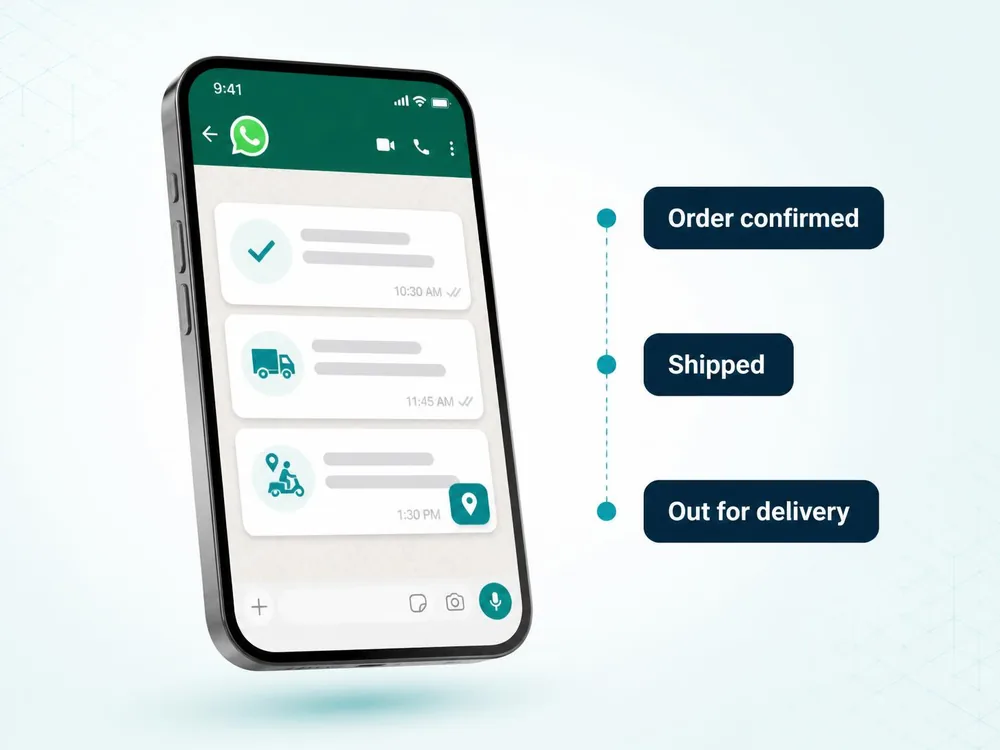
Confirmed, packed, shipped, out for delivery, delivered: each status change in your store or courier feed fires a message, sent as a utility template on WhatsApp and, for delivery status, a service template on SMS. A shopper who already knows where the parcel is has no reason to open a ticket asking.
- Triggered from order and courier events through the REST API, on transactional and service routes
- Tracking as a button, not a pasted link
- Delivery OTP for high-value orders
- Failed-attempt notices with a reschedule option
The message map
Which WhatsApp category and SMS route does each ecommerce message use?
Offers go on WhatsApp marketing templates to opted-in shoppers and on promotional SMS to non-DND numbers; order, delivery and OTP messages go on utility or authentication templates and on service or transactional SMS routes. On SMS, the route decides when a message can go and whether it reaches DND-registered numbers.
| Message | WhatsApp category | SMS route | WhatsApp opt-in to offers |
|---|---|---|---|
| Cart reminder | Marketing | Promotional (-P), non-DND numbers, 10 AM–9 PM by default | Yes |
| COD confirmation | Utility | Transactional (-T) | No |
| Shipped / out for delivery | Utility | Service (-S) | No |
| Delivery OTP | Authentication | Service (-S) | No |
| Back in stock / sale | Marketing | Promotional (-P), non-DND numbers, 10 AM–9 PM by default | Yes |
Every WhatsApp message, order updates included, needs the shopper's opt-in to hear from you on WhatsApp, so ask for it at checkout or sign-up in words that cover offers as well as orders.
Consumer protection
Recovery that stays on the right side of the dark-patterns rules.
The Central Consumer Protection Authority's Guidelines for Prevention and Regulation of Dark Patterns, 2023 name false urgency, nagging and basket sneaking among practices that mislead buyers. A careless cart sequence can commit all three. On SMS, every promotional message must also carry an opt-out under TRAI's 2025 rules.
No false urgency
"Only two left" is fine when the stock feed says two. Fill it into the WhatsApp template as a variable from inventory at send time, or leave it out of the template.
No nagging
Repeated prompts the shopper never asked for are the pattern the guidelines describe. Cap the sequence, put an opt-out button on every WhatsApp marketing template, and stop the moment the shopper buys or opts out.
No basket sneaking
The WhatsApp reminder carries the cart's own product image and price, read from the cart at send time, and the SMS links back to that same cart. No added protection plan, gift wrap or donation the shopper did not pick.
After the sale
What should an ecommerce brand send after delivery?
Replenishment reminders, back-in-stock alerts, return and refund updates and one review request: the messages that bring the second order without paying for another ad.
Replenishment
A reminder timed to when the product runs out, worked out from pack size and the date it was delivered.
Back in stock
Shoppers who tapped "notify me" get one message when their size returns, with a button straight to it.
Returns and refunds
Pickup slot, pickup done, refund initiated, refund credited: four messages that head off four tickets.
Reviews
One request after delivery, once the shopper has had long enough to use what they bought.
Promotional SMS for a sale reaches only non-DND numbers, between 10 AM and 9 PM by default, on a promotional header. Order and delivery updates keep flowing on your service and transactional headers at any hour. Give each its own templates, so a sale banner never rides along on an order update.
Questions
Frequently asked.
Send one WhatsApp marketing template to opted-in shoppers with the product image, the cart price and a button back to checkout, then at most one reminder.
Collect WhatsApp opt-in at checkout or sign-up, because Meta requires it before a business messages anyone.
WhatsApp marketing for ecommerce (cart reminders, back-in-stock alerts, sale announcements) goes on marketing templates, and only to shoppers who opted in. Order and delivery updates go on utility templates.
The two are billed at different rates, set out on the WhatsApp Business API pricing page.
It filters out orders the shopper never meant to receive before they ship.
Unconfirmed orders can be held, cancelled or switched to prepaid with a payment link, so fewer parcels come back as return-to-origin.
Sale and offer SMS is promotional: it goes from a promotional header to non-DND numbers, between 10 AM and 9 PM by default, with an opt-out in every message.
Order confirmations and login or payment OTPs sent within 30 minutes of the shopper's action go on transactional templates; delivery updates and delivery OTPs go on service templates. Both reach DND-registered numbers at any hour. Every header and template is registered on DLT.
Through UDO's REST API: each order event from your store or courier feed (placed, packed, shipped, returned) triggers the matching WhatsApp template, with SMS as the fallback.
For customer data and campaigns, UDO connects to Salesforce, HubSpot, Zoho, Freshdesk, CleverTap and MoEngage. See the API documentation.
Use WhatsApp for shoppers who have opted in, RCS for Android shoppers in the native inbox, and SMS underneath as the layer that reaches every handset.
Most brands send on the richest channel each shopper can receive and fall back automatically.
Order updates, cart reminders and COD checks are each billed when delivered; one that fails to arrive is not charged.
Rates differ by channel and category, there is no account opening fee or subscription, and sustained volume moves you to custom rates. The rate card is here.
Start with the orders that come back.
Run COD confirmation or cart recovery on one category as a small paid pilot. We wire it to your order events; you measure returns and recovered revenue against the month before.